

·3 min read
How to Make an AI Packaging Mockup from a Product Reference
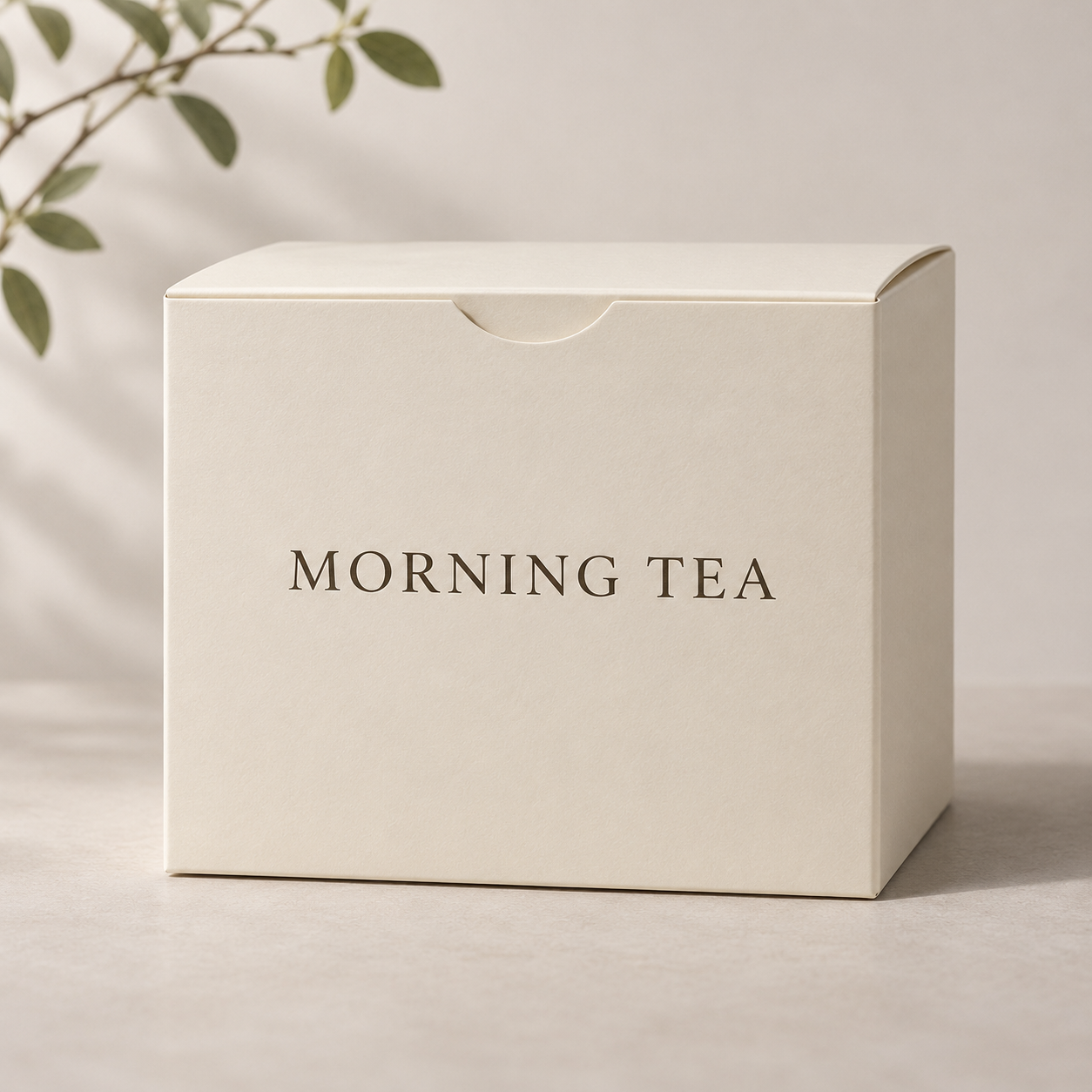
An AI packaging mockup helps you compare visual directions before preparing production artwork. TokAtlas turns an uploaded packaging or brand reference and a written brief into a raster concept image. It does not provide a print-ready dieline, CAD file or editable 3D model. The gallery examples are illustrative; this guide does not claim a new generation test.
Gather reference images
Prepare a photo of a blank bottle, pouch, box or existing package. You may add up to two more images for a logo, graphic or visual style. Use assets you have permission to use. Place the main package first and explain the role of each reference. This play requires at least one uploaded reference; a text-only brief is not enough.
Write a clear brief
Open AI Packaging Design Generator, upload one to three reference images and describe the product, package type, colors, style and intended composition. For example:
Use the first reference as the shape of a skincare bottle. Create a minimal concept with a pale green label, dark green accents and soft daylight on a neutral background. Keep the bottle shape. Leave the label text as a placeholder for a designer to replace later.
This is a sample brief, not a demonstrated result. Review the displayed estimate before generating. The page currently lists Nano Banana 2.1; model availability and price may change.
Review the concept before production
Inspect the container shape, label placement, logo, spelling and small details. AI may alter or invent text, branding and proportions, so do not treat a readable-looking label as approved artwork. If a dieline or flat layout is supplied as a reference, the generated package may not preserve its exact dimensions or folds.
Use an approved image to discuss direction with a designer. Separately prepare and verify the dieline, dimensions, bleed, color requirements and print-ready artwork with the printer. Check the finished artwork against the actual product and packaging specifications.
Frequently asked questions
Can I use a blank container or an existing package?
Yes. Upload a clear photo as the main reference and describe what should change and what should remain.
Is the output a print-ready dieline?
No. This play outputs a concept image. Production dielines and editable manufacturing files require a separate workflow.
Will my logo and text be reproduced exactly?
Exact reproduction is not guaranteed. Inspect the output and apply approved logos and copy in your production design workflow.
Can I create a concept using only text?
This play currently requires a reference image. Check the interface for its current upload limits and cost estimate.