AI Storyboard Generator
Upload a reference image and describe your story. Generate one storyboard sheet with 4, 6, 9 or 12 panels. Currently delivers a combined image; automatic panel splitting is not yet available.
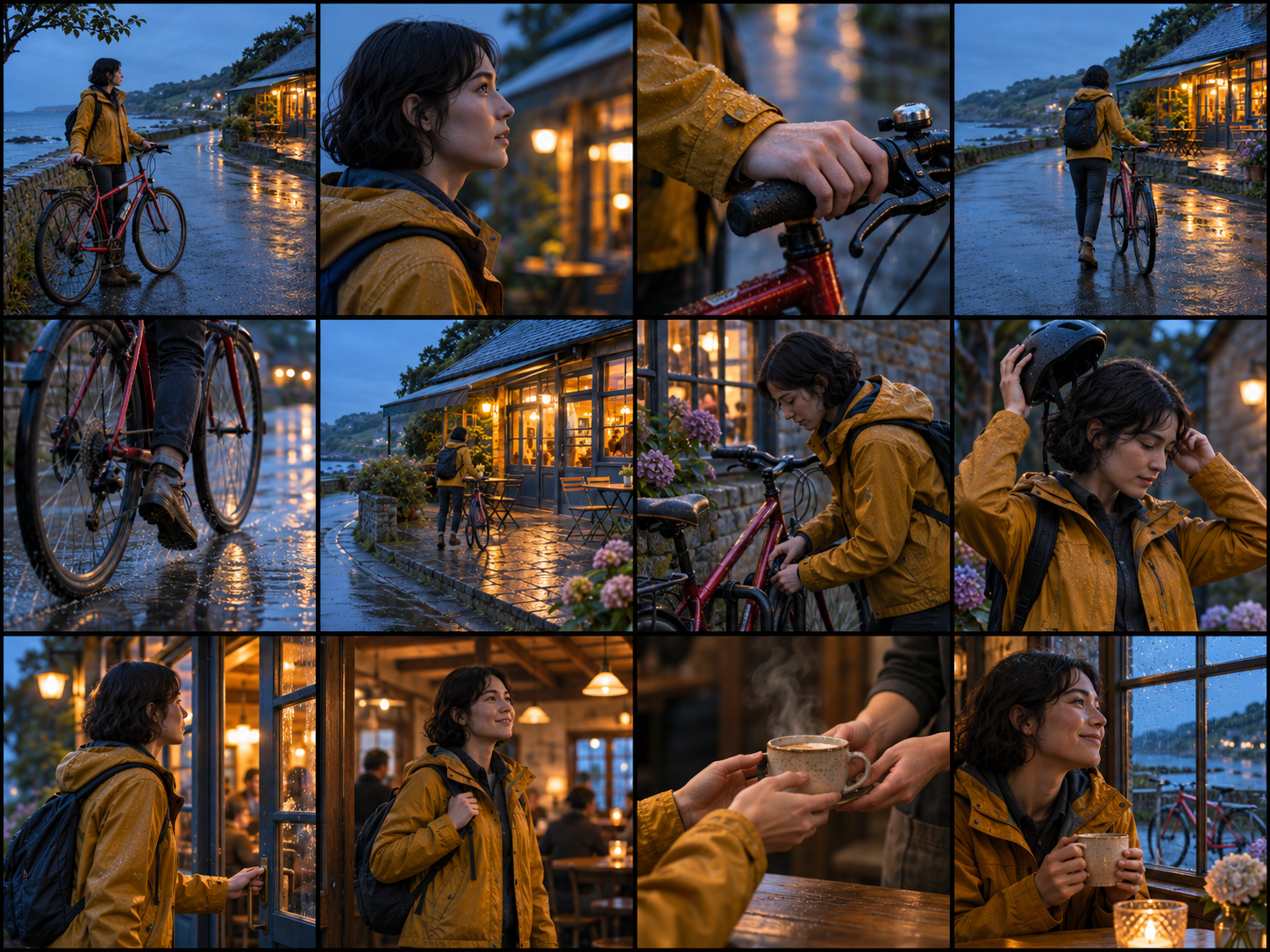
What is the AI storyboard generator?
Create one storyboard sheet from a reference image and your creative brief. Choose 4 panels (2 columns × 2 rows), 6 panels (3 × 2), 9 panels (3 × 3), or 12 panels (4 × 3). Shot content and transitions follow your brief; the grid controls panel count and layout.
The current output is one combined image, not separate frames. Automatic panel splitting is not yet available. Review recurring characters, scene details and narrative connections before use.
Creation examples
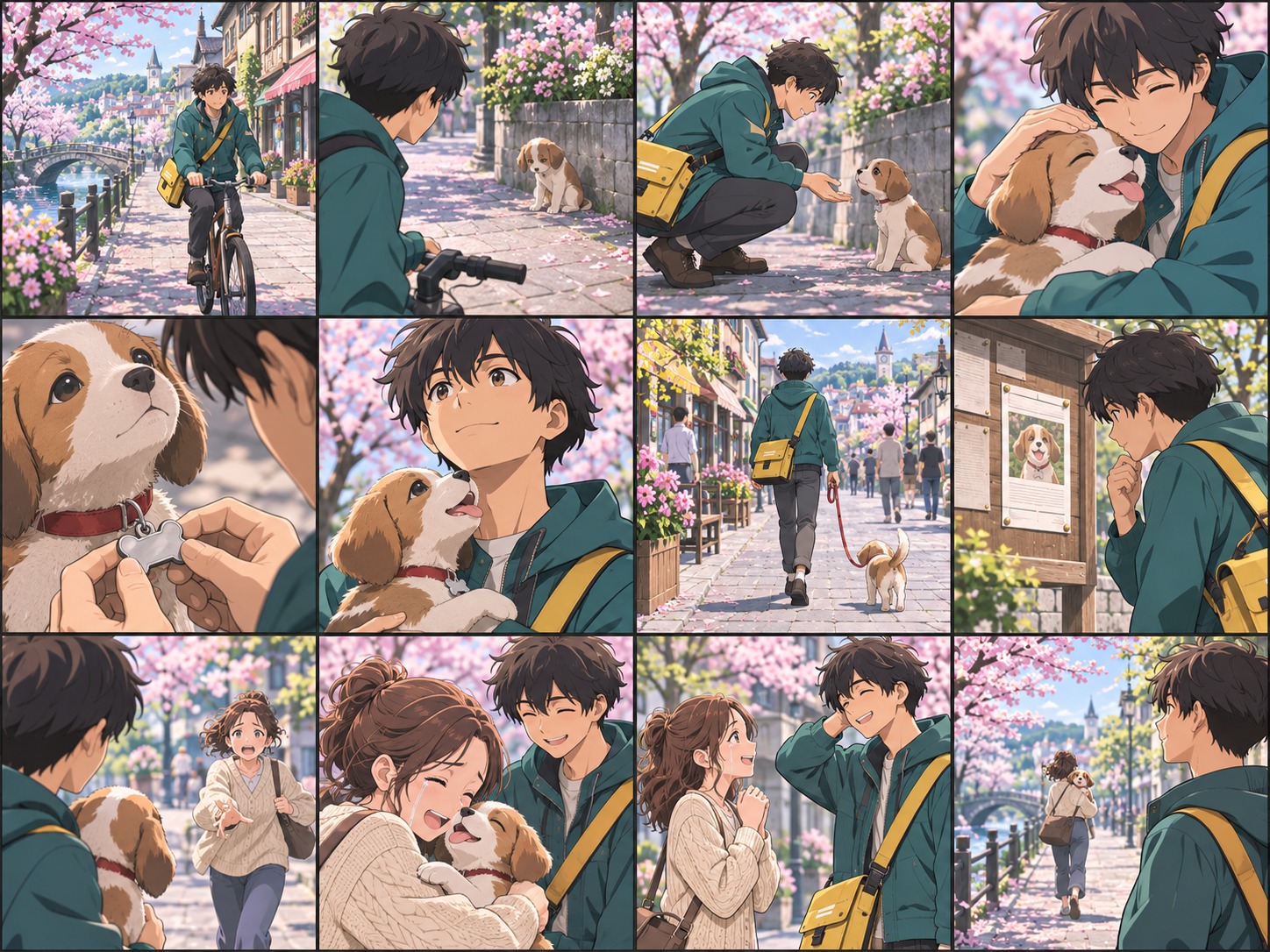
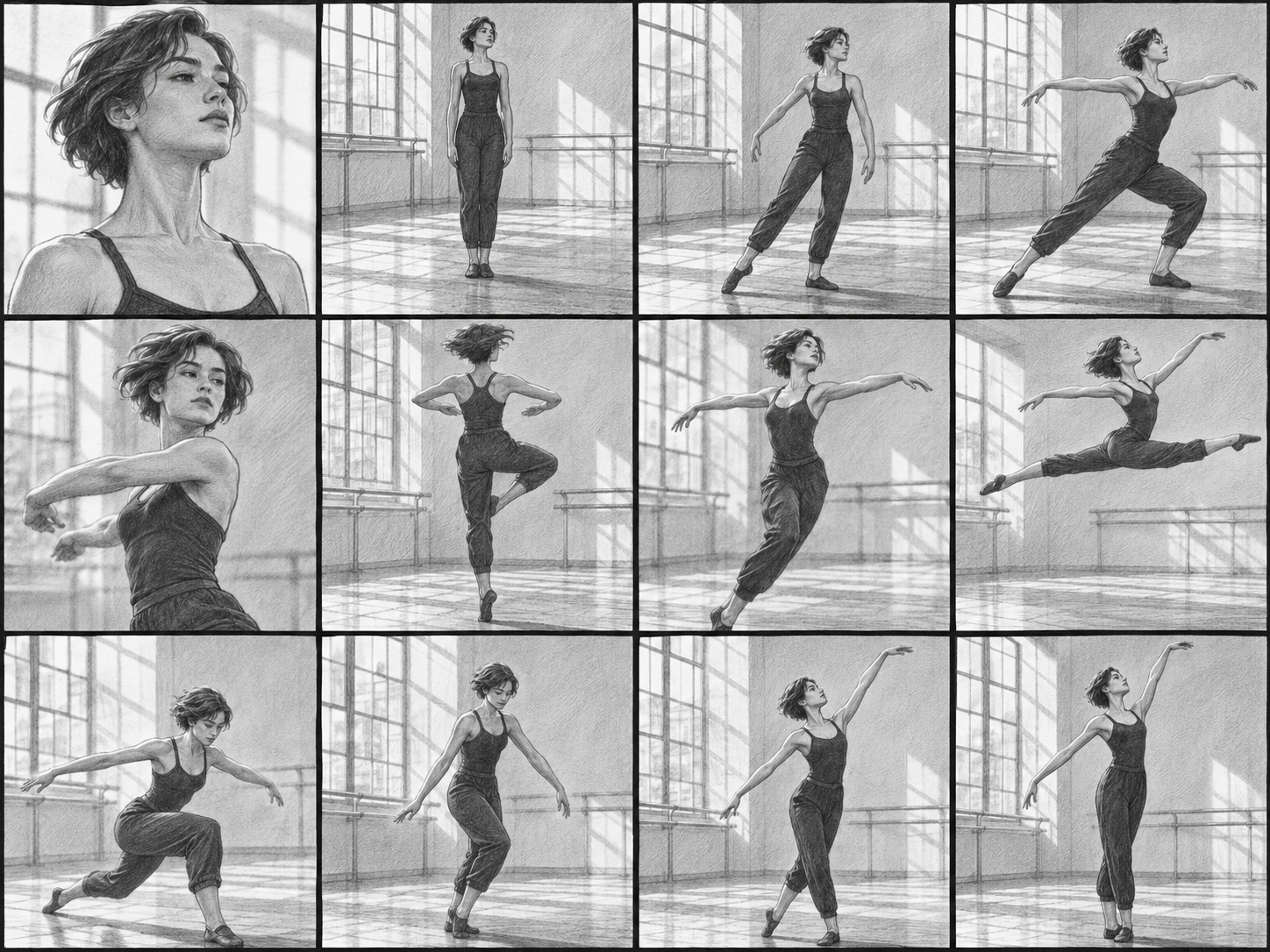
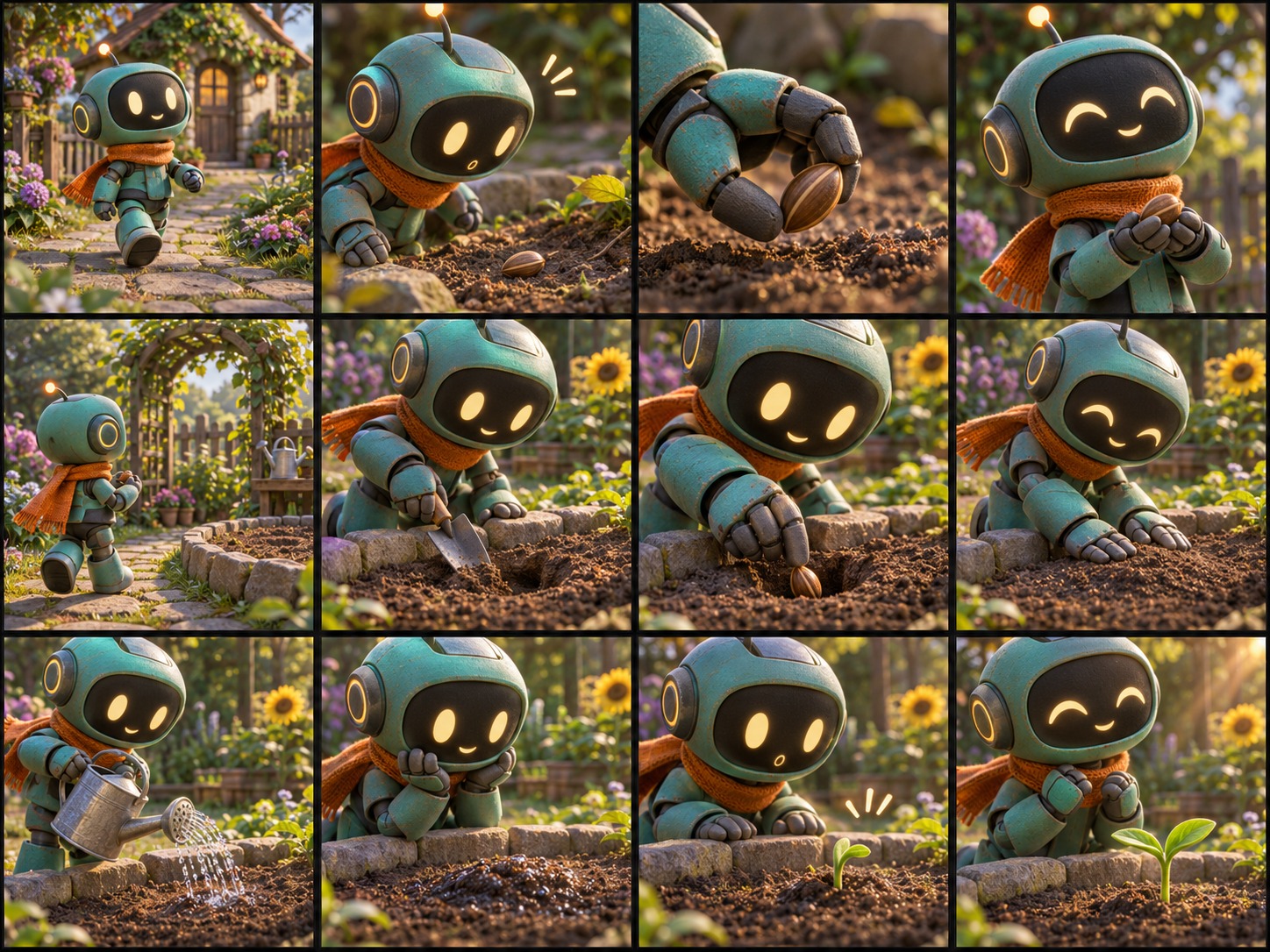
How to make a storyboard from a reference image
1. Upload a clear character, product or scene reference.
2. Describe your story, desired shots and camera movement, and any details to preserve.
3. Choose 4, 6, 9 or 12 panels, a visual style and overall sheet orientation.
4. Generate one sheet and review its shots, intended transitions and requested story outcome.
5. Download the sheet. Automatic splitting is not yet available; crop individual panels separately before image-to-video use.
Grid alignment and visual consistency depend on model output. Revise the description and retry if needed.
When is an AI storyboard useful?
Use a storyboard grid to plan the shot order for short films, product scenes, social videos or animation. Review the full action chain in one image before producing individual shots. Specify the clothing, product shape and props that should remain consistent.
A still reference cannot recover real motion. Check each panel's actions, face, hands, props and continuity. Image-to-video requires individual panel images; crop them separately until automatic splitting is implemented.
Frequently asked questions
What is the AI storyboard generator?
It combines a reference image and your story into one static storyboard sheet with sequential panels for visual planning.
What do I need to upload?
Upload one reference image of a character, product or scene, and enter an action or story. JPEG, PNG and WebP are supported, up to 10 MiB per image.
How does the reference image guide the result?
The model uses the subject, appearance, pose and setting as visual context. Specify which character, outfit, product or prop to preserve; generated details can still vary.
How many panels and styles can I choose?
Choose 4 panels (2 columns × 2 rows), 6 panels (3 × 2), 9 panels (3 × 3), or 12 panels (4 × 3), in cinematic, anime, pencil sketch or 3D animation style. Each generation returns one combined sheet. Review the panel count, alignment and narrative connections.
Can a still photo recover the actual motion?
No. Intermediate poses and transitions are inferred from the still image and your instructions, not recovered from the real action before or after the photo.
Will characters and scenes be identical in every shot?
The prompt requests consistent identity, clothing, props, lighting and spatial continuity across the sheet, but details may vary. Review every panel before using it.
Does it automatically split the sheet into separate images?
Not yet. The current play returns one combined storyboard sheet. Automatic panel splitting and separate-frame downloads are planned. For now, crop individual panels before using them in an image-to-video tool. Video generation is a separate step.
What if panels repeat or the grid is misaligned?
Describe distinct action stages and the intended ending clearly. Try 4 panels first, review the result, and regenerate if needed. The prompt requests equal cells without borders, but exact alignment and continuity are not guaranteed.