Turn one person or pet photo into a sticker pack. Start with expression templates, edit captions, and regenerate individual stickers before downloading PNG or GIF results.
One clear person or pet.
Which expressions?
Templates are starting points. Every expression is editable.
My stickers
What is an AI sticker maker?
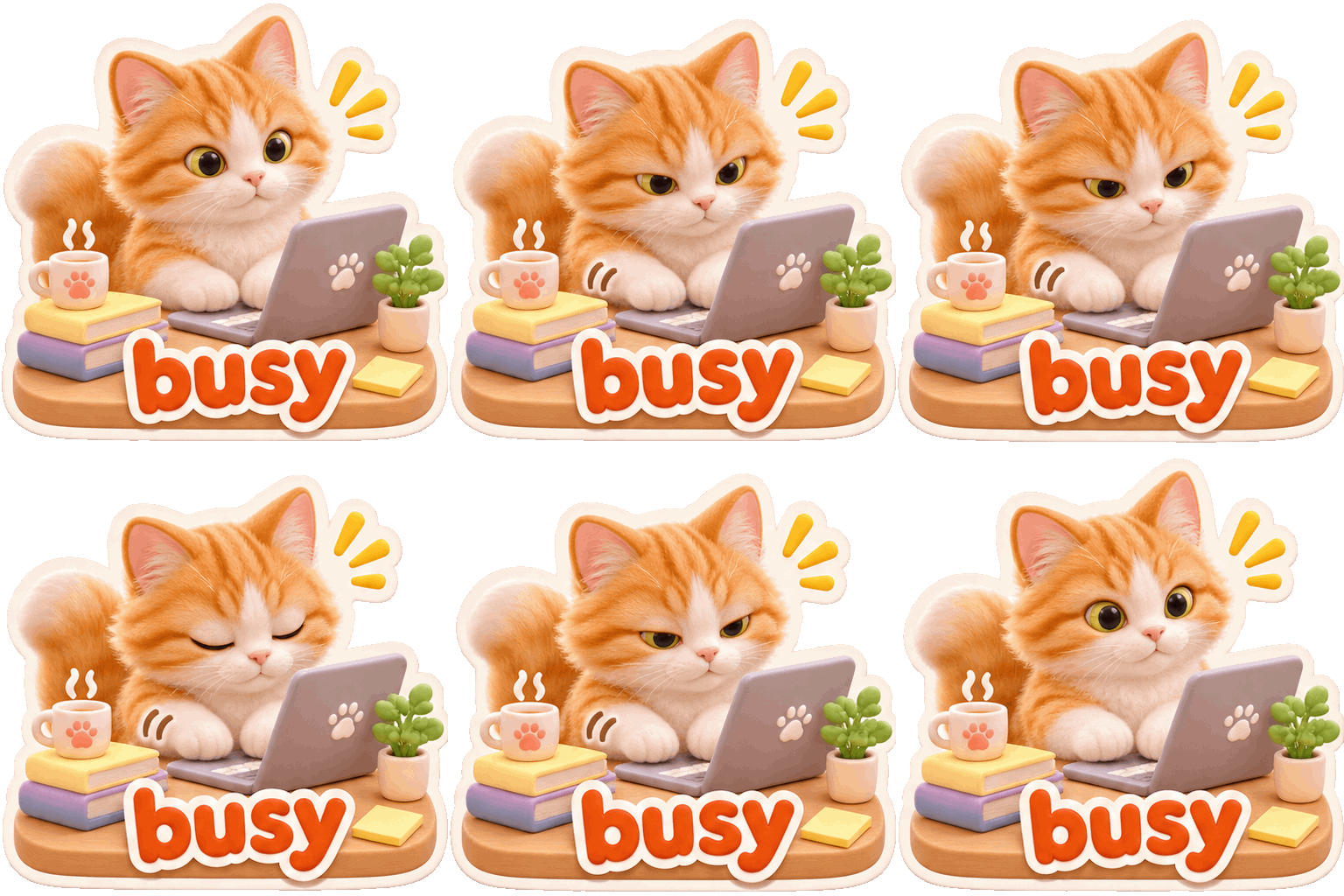
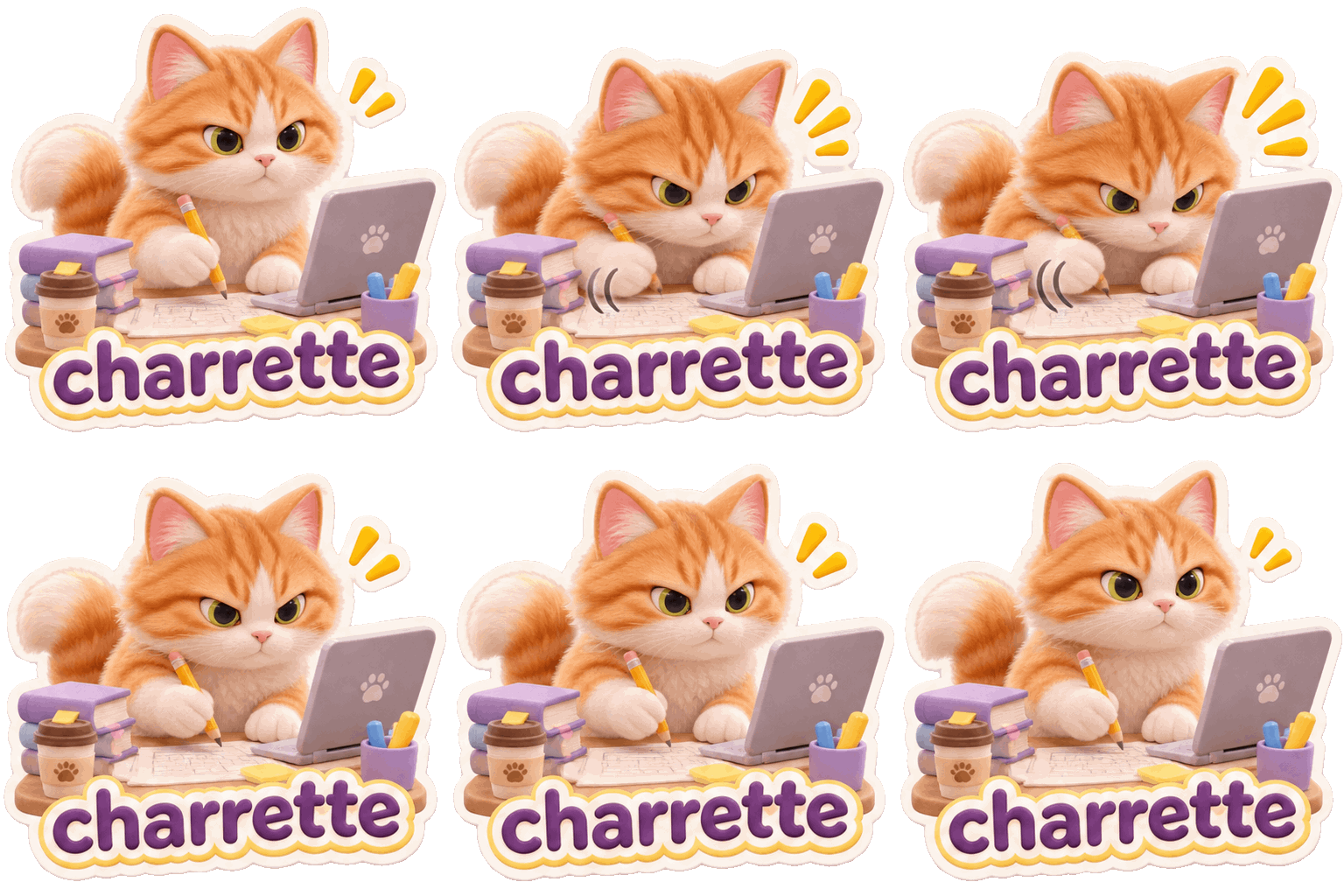
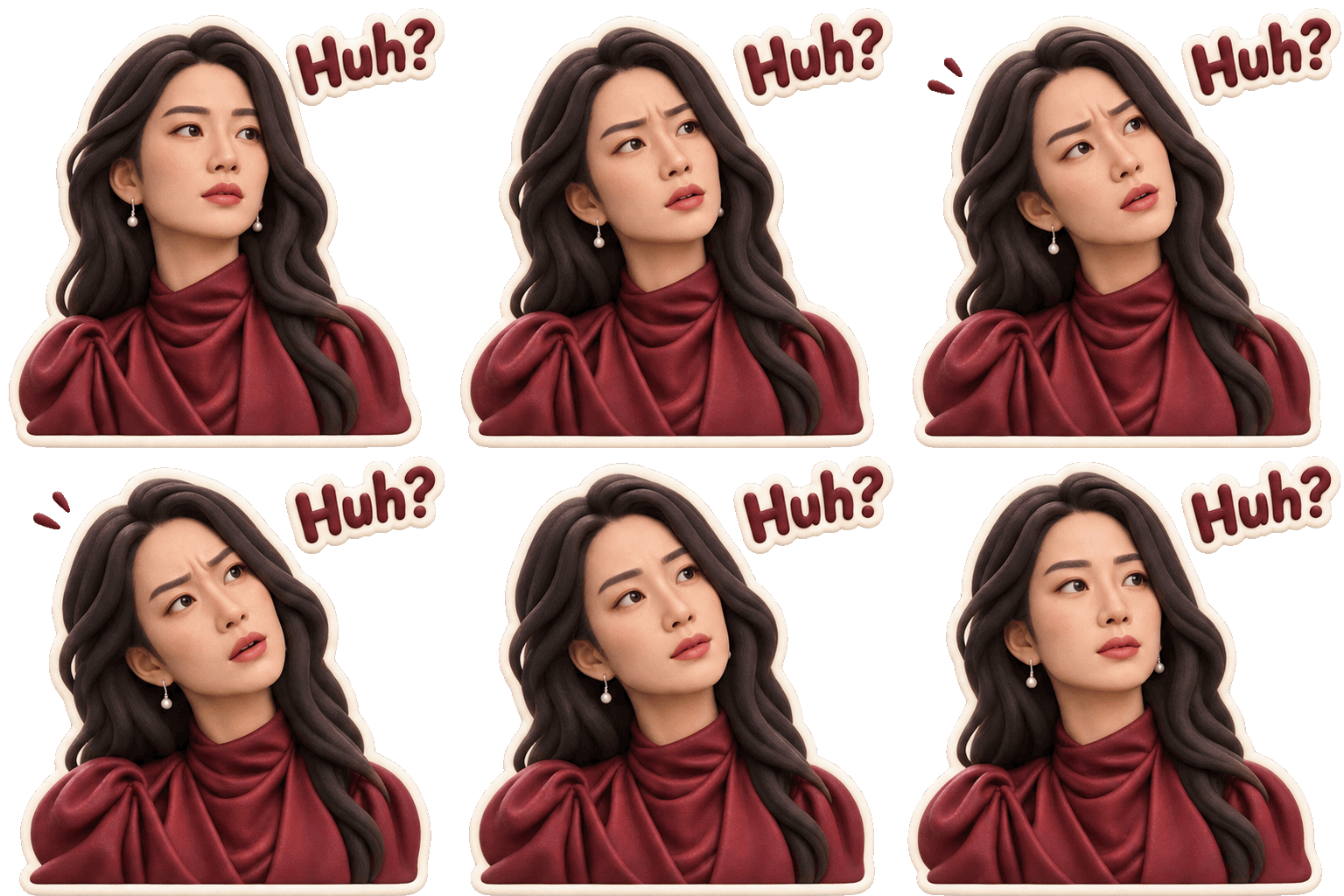
The Tokatlas AI sticker maker turns a photo of a person or pet into personalized stickers with different expressions and actions. Start with a sticker pack or describe your own ideas, edit the captions, and generate or revise each sticker individually. Download a single image or pack completed stickers into a ZIP file.
Creation examples
How to make stickers from a photo
Upload a photo
Choose one clear photo of a person or pet. JPEG, PNG and WebP files up to 10 MiB are supported.
Choose expressions
Select a ready-made pack or describe the actions and emotions you want. Edit each name and caption to make the set your own.
Choose a style and generate
Pick a visual style and output format, then generate the stickers. You can edit an individual expression and generate it again.
Review and download
Review the results, download individual stickers, or download completed stickers together as a ZIP file.
Ways to use personalized AI stickers
Create expressive images for everyday conversations, celebrations and creative projects. Check the destination platform’s rules and supported formats before using downloaded files.
Everyday conversations
Create expressions for greetings, thanks, good nights and other everyday moments.
Celebrations and creative projects
Make images for birthdays, congratulations or a personalized creative idea.
Tips for making expressive stickers
Use a well-lit photo with a clear face or pet as the subject. Describe one action and emotion per sticker, such as waving happily or curling up to sleep. Keep captions short and review spelling and image details after generation; if a result needs work, edit that expression and generate it again.
Choose a clear photo
Use a well-lit photo with a clearly visible person or pet.
Describe a specific action
Focus on one action and emotion per sticker, then check the caption and image before downloading.
Frequently asked questions
What photo can I use to make stickers?
Upload one clear photo of a person or pet. The character image accepts JPEG, PNG or WebP files up to 10 MiB.
How can I turn a pet photo into animated GIF stickers?
Upload one clear pet photo, choose an expression template or customize the actions and captions, then select GIF output. Review the animation and lettering before downloading. Choose PNG when you want a still sticker instead.
Can I customize the expressions and text?
Yes. Start with a template or describe your own expressions, and edit each sticker’s name, action and caption before generating it.
Can I regenerate one AI sticker without recreating the whole pack?
Yes. Edit the individual expression you want to change and generate that sticker again. You do not need to recreate the whole pack. Review the new result before downloading, especially the character details and caption.
How do I download my photo sticker pack as a ZIP?
Download a finished sticker individually, or use the ZIP button to collect the completed stickers. The selected output format determines whether you receive PNG images or GIF animations. Check the downloaded files before sharing them.
Can I make photo stickers without writing long prompts?
Yes. Upload a clear person or pet photo and start with a ready-made expression template. You can edit each expression and caption before generation instead of writing a long prompt from scratch. Review each result and regenerate the items that need changes.
Can I import the downloaded ZIP directly into WhatsApp?
A ZIP download groups your completed files; it does not by itself create a WhatsApp-native sticker pack. Check your messaging app's current import requirements. Conversion or another import step may be needed for the format, dimensions, file size or animation you selected.