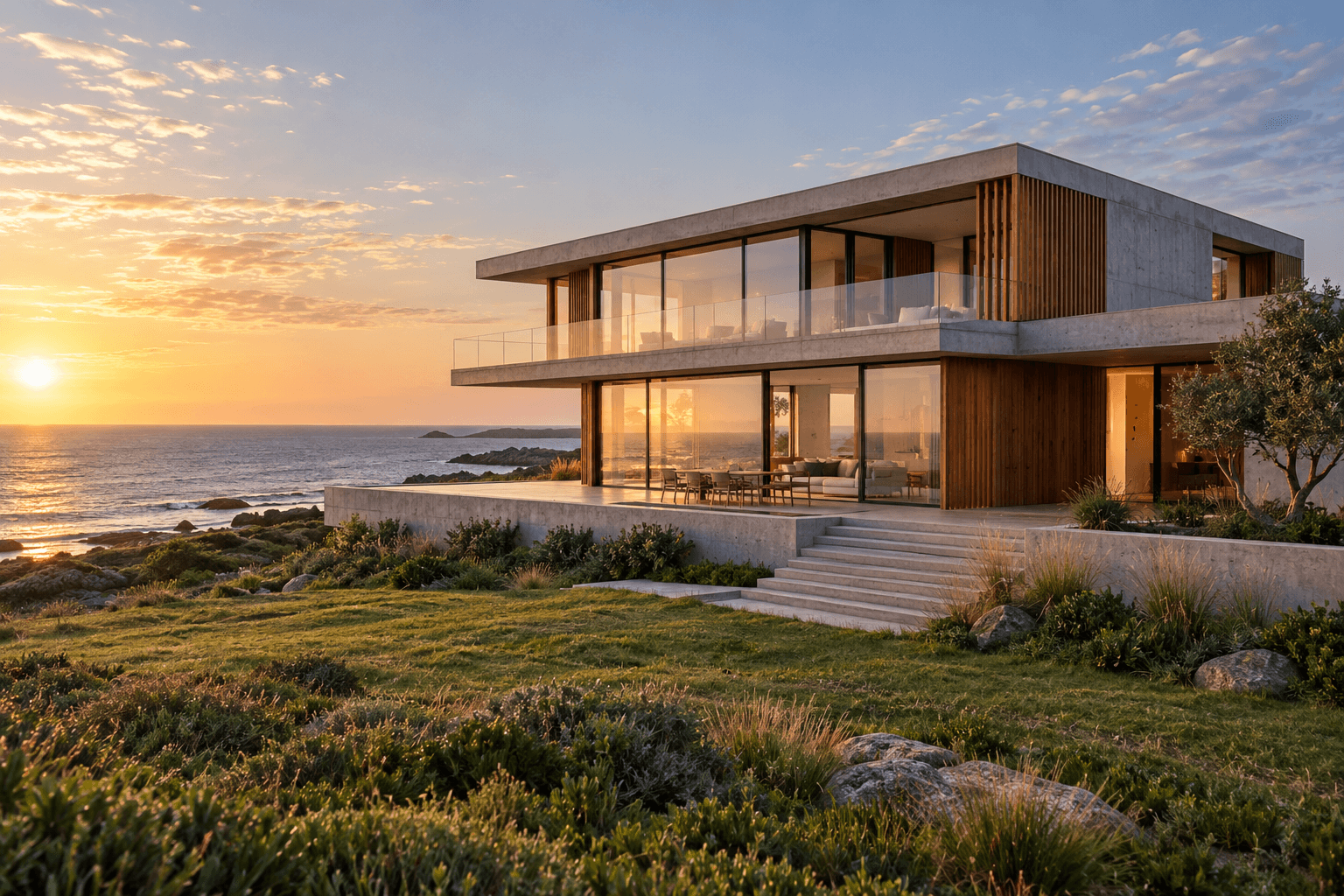
Architectural Detail and Light
A concrete spiral staircase showcases continuous stair edges, subtle surface texture, and light falling through a circular skylight. Suited to hero images where composition and fine detail both matter.

OpenAI image generation and editing model for detailed visual compositions and precise editing.
Modalidades
En / Out Price
40 % off$3/ 1M
$5 Precio oficial
$18/ 1M
$30 Precio oficial
Liberado
3 nov 2026
POST /v1/images/generationscurl --request POST 'https://api.tokatlas.com/v1/images/generations' \
--header "Authorization: Bearer $UNIROUTER_API_KEY" \
--header 'Content-Type: application/json' \
--data '{
"model": "gpt-image-2.6-sunburst",
"prompt": "A serene koi pond at sunset.",
"size": "1024x1024",
"n": 1
}'Proveedor actual · OpenAI
| Se aplica cuando | Entrada /M | Producto /M | Cacheo lee | Cache escribo | Cache escribir (1 hora) | Entrada de imagen | Salida de imagen | Vs. oficiales |
|---|---|---|---|---|---|---|---|---|
| Todas las longitudes de entrada | $3 | $18 | — | — | — | $4.8 | $18 | 40 % off |
Precio configurado de la plataforma · Grupo: az
USD / 1M fichas. Cada fila muestra entrada y salida desde el mismo nivel. Las tarifas visualizadas utilizan el multiplicador de grupo más bajo disponible; su grupo de teclas API puede diferir.
| Modelo | Precio de la plataforma | Vs. oficiales | Contexto |
|---|---|---|---|
GPT Image 2.6 SunburstCorriente OpenAI | $3 / $18 / 1M tokens · entrada / salida | 40 % off | — |
OpenAI | $3 / $18 / 1M tokens · entrada / salida | 40 % off | — |
$1.05 / $5.25 / 1M tokens · entrada / salida | 30 % off | 131.072K | |
$0.15 / $0.9 / 1M tokens · entrada / salida | 40 % off | 65.536K | |
OpenAI | $3 / $18 / 1M tokens · entrada / salida | 40 % off | 400K |
$1.2 / $7.2 / 1M tokens · entrada / salida | 40 % off | 65.536K | |
$0.35 / $2.1 / 1M tokens · entrada / salida | 30 % off | 131.072K | |
$0.18 / $1.5 / 1M tokens · entrada / salida | 40 % off | 65.536K | |
BytePlus | 0,0144 $ Imágenes de salida / imagen | 20 % off | — |
ByteDance | — | — | — |
A concrete spiral staircase showcases continuous stair edges, subtle surface texture, and light falling through a circular skylight. Suited to hero images where composition and fine detail both matter.
As the tabby scribbles, its plush fur, cream outline, and “charrette” lettering stay recognizable. Suited to stickers that need a clear character, legible text, and a smooth loop.
Sunburst is aimed at detailed images and complex constraints for hero visuals, dense layouts, and repeated editing. Describe the overall composition first, then identify lettering, materials, people, and backgrounds that need to stay.
| Specification | GPT Image 2.6 Sunburst |
|---|---|
| Developer | OpenAI |
| Model ID | gpt-image-2.6-sunburst |
| Input | text, images |
| Output | images |
| Workflows | text-to-image generation, image editing |
| Upstream quality levels | low, medium, high, xhigh, max |
| Planning parameter | complexity can be low, medium, or high (default) |
Where supported, a transparent markup reference can point to the edit area in the first input. Describe what should stay, then compare boundaries, highlights, and perspective across versions.
| Topic | Flare | Sunburst |
|---|---|---|
| Stage | Fast layout or styling exploration | Detailed layouts and final assets |
| Measure | Time to usable draft and revision count | Boundaries, lettering, materials, and stability across edits |
Upstream separates complexity from quality. Compare medium and high planning against time spent on a detailed layout. Verify output formats and controls before moving production edits to Sunburst.
Inspect labels, fine lines, and reflections near final size. If the output needs conversion before downstream editing, verify that the converted asset preserves the intended regions and detail.
Test it on dense compositions, hard-to-recreate product details or assets that need several revisions. Use one reference to compare how consistently each edit preserves details.
If both are available, use SVG for static vector assets and GIF for loops. Test the returned file in your downstream tool before integrating.
If a complexity setting is available, start low for a focused edit. Try a higher setting when several elements need to keep their positions or relationships.
On a compatible editing route, send the original image and the transparent markup separately. Use the prompt to define the change and the details to preserve.