AI Packaging Design Generator
Upload a packaging or brand reference and describe your idea to create a product packaging mockup or ecommerce concept image.
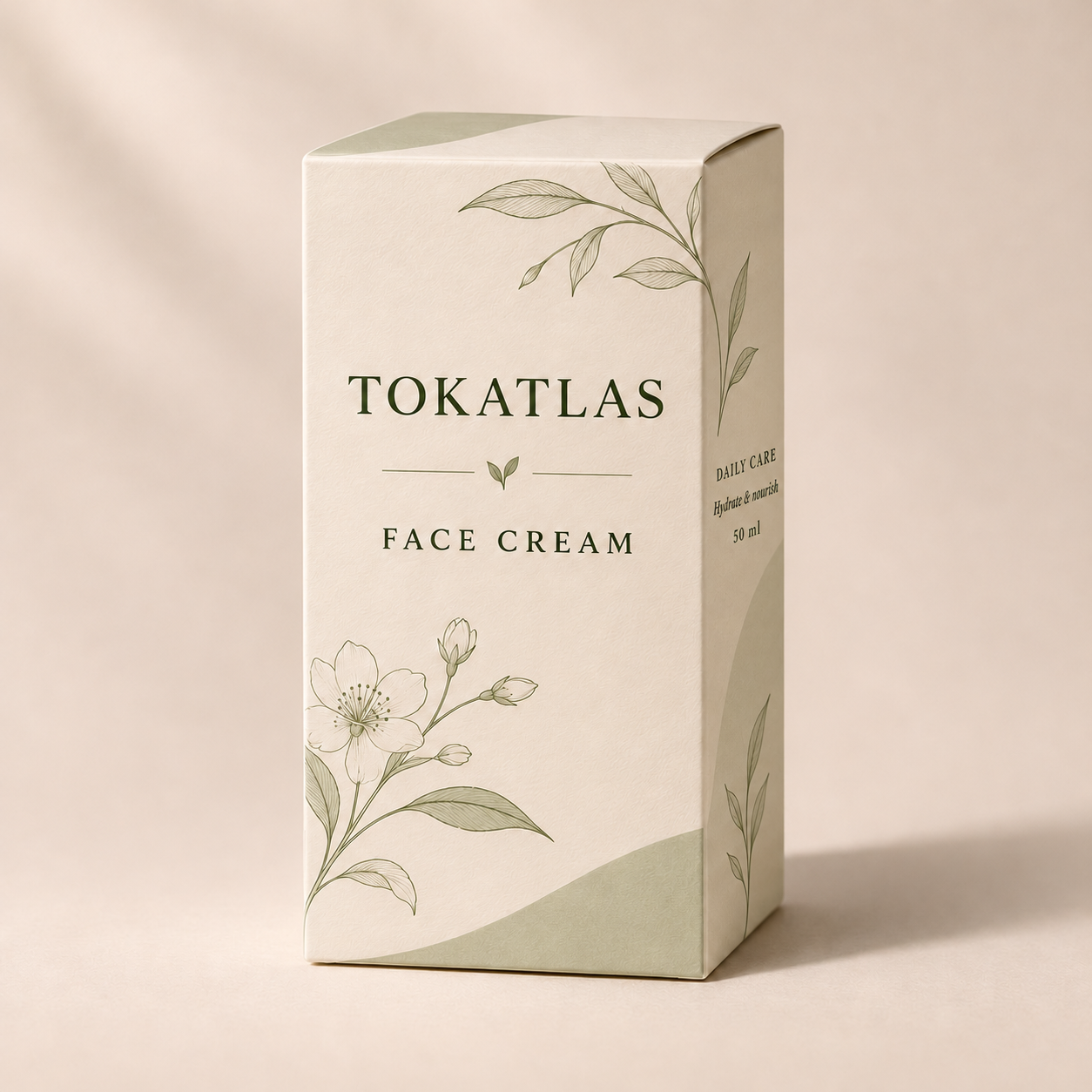
What is an AI packaging mockup?
Create packaging concept images from a packaging or brand reference and a written brief. Explore boxes, bottles, pouches and jars; apply label ideas to blank containers, change existing packaging colors or graphics, or create an ecommerce presentation with a suitable background and lighting.
This play requires an uploaded reference. Its output is a raster image, not a production dieline, CAD, DXF or editable 3D model, and it is not a print-ready file.
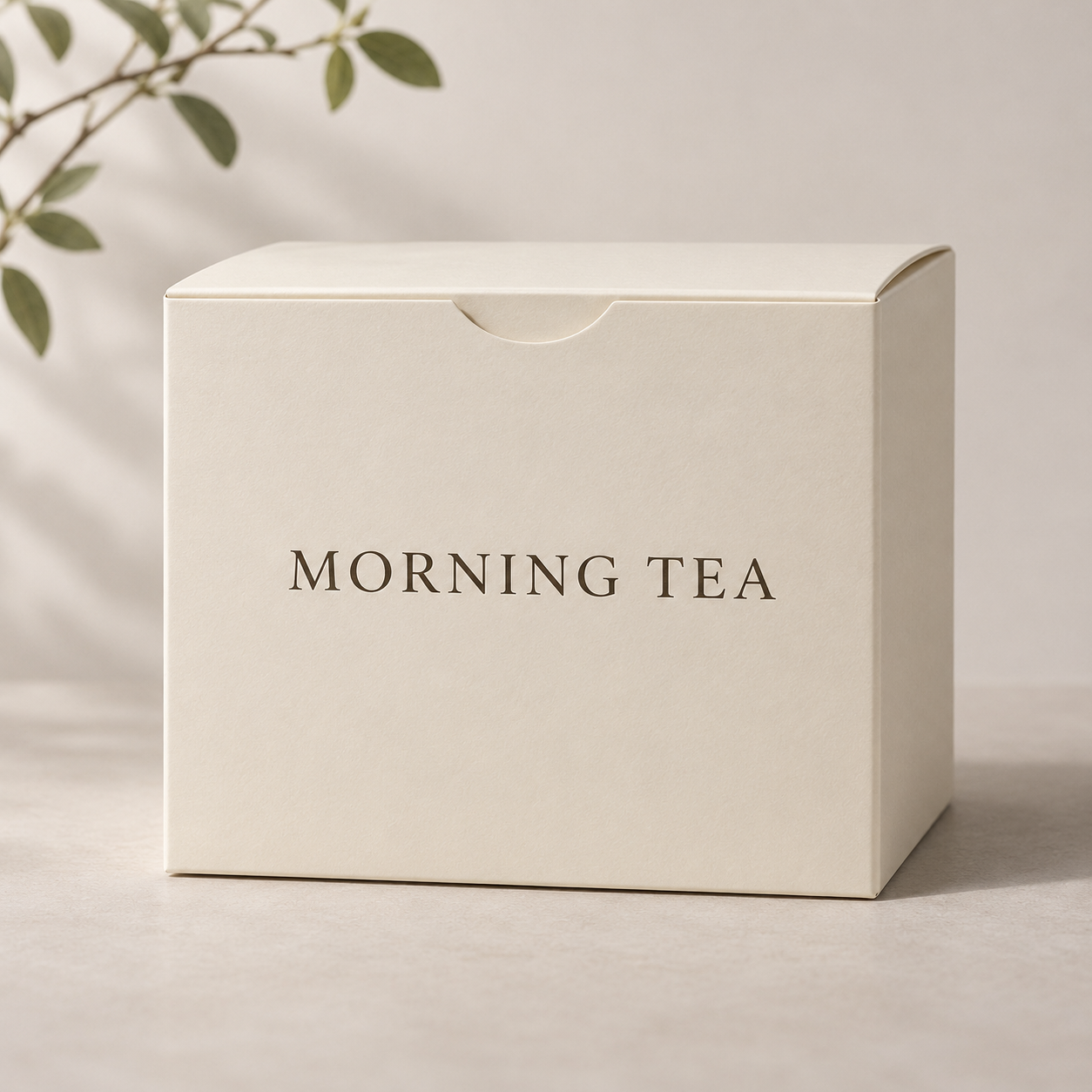
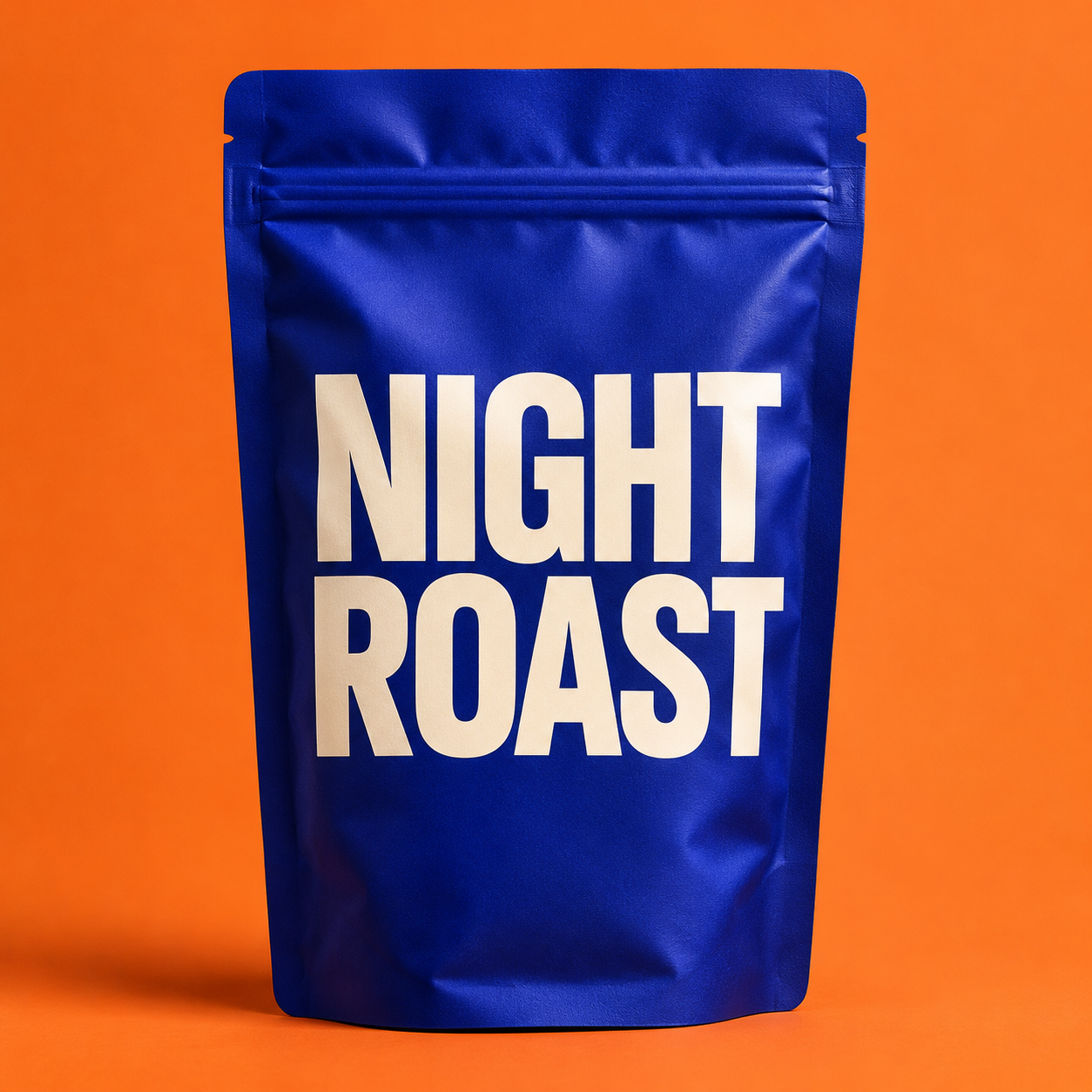
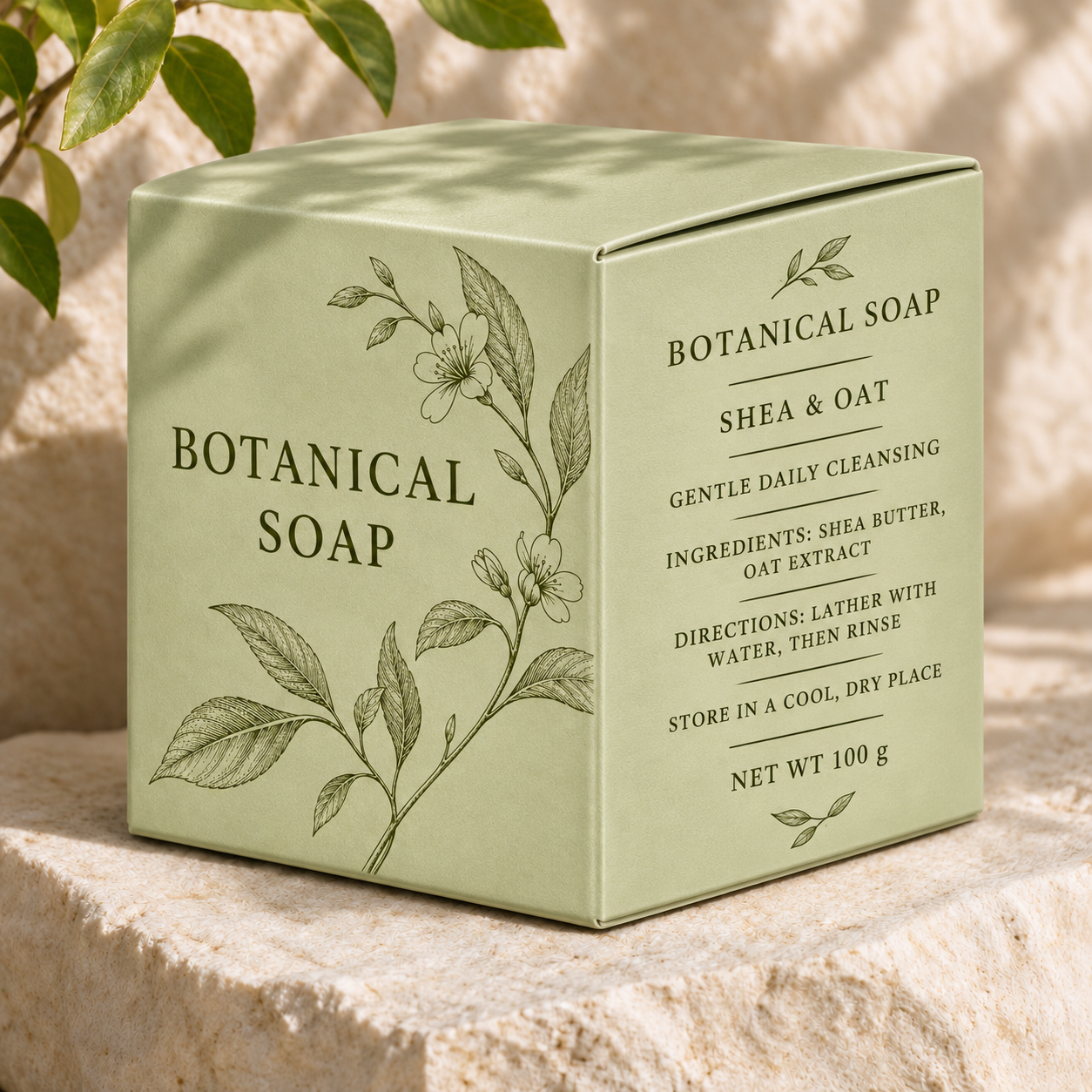
创作范例
How to create a packaging mockup
1. Upload one to three packaging or brand reference images. Put the main package or blank container first.
2. Describe the product, format, colors, style and placement of any text or logo; include background, lighting and props if you need an ecommerce concept.
3. Generate and review the packaging shape, text, logos and details. Revise the brief and try again if needed.
A flat layout can serve as visual reference; the generated assembled package is a concept and may not match actual dimensions or folding geometry.
When to use packaging concept images
Explore a new product package, apply a label idea to a blank bottle, change colors or patterns on an existing design, or plan ecommerce product imagery. Clear references help communicate the brand features to preserve.
AI may alter text, logos, proportions or details. Verify the result and prepare final, production-ready artwork through a separate design and manufacturing workflow.
常见问题
What does the AI packaging design tool create?
It uses packaging or brand references and your brief to create a visual mockup of a box, bottle, pouch or other package. You can request new colors, graphics, branding or an ecommerce-style presentation.
What images can I upload?
Upload one to three packaging photos, blank-container images, dieline images or brand references. Put the main package or dieline first and explain the roles of other images.
Can I create a mockup from a dieline image?
Yes. Use the flat dieline as a visual reference for an assembled packaging concept. The generated result may not match real dimensions, folds or structural details.
Can I redesign existing packaging or brand a blank bottle?
Yes. Describe the colors, patterns, label or style you want and identify any package shape, logo or details to preserve. Results can vary.
Will text and logos be exact?
Not necessarily. AI may alter or misspell text, logos and other details. Compare with your approved brand assets and proofread the final image.
Does this provide a print-ready dieline, CAD or editable 3D model?
No. The output is an ordinary image for concept exploration. It is not a production dieline, CAD or DXF file, editable 3D model, or print-ready artwork. Prepare production files separately.
Can I generate a packaging concept without uploading an image?
The current version requires at least one reference image. Upload a package, blank container or other suitable visual reference, then describe your concept.